Help your kid build a healthier relationship with technology.

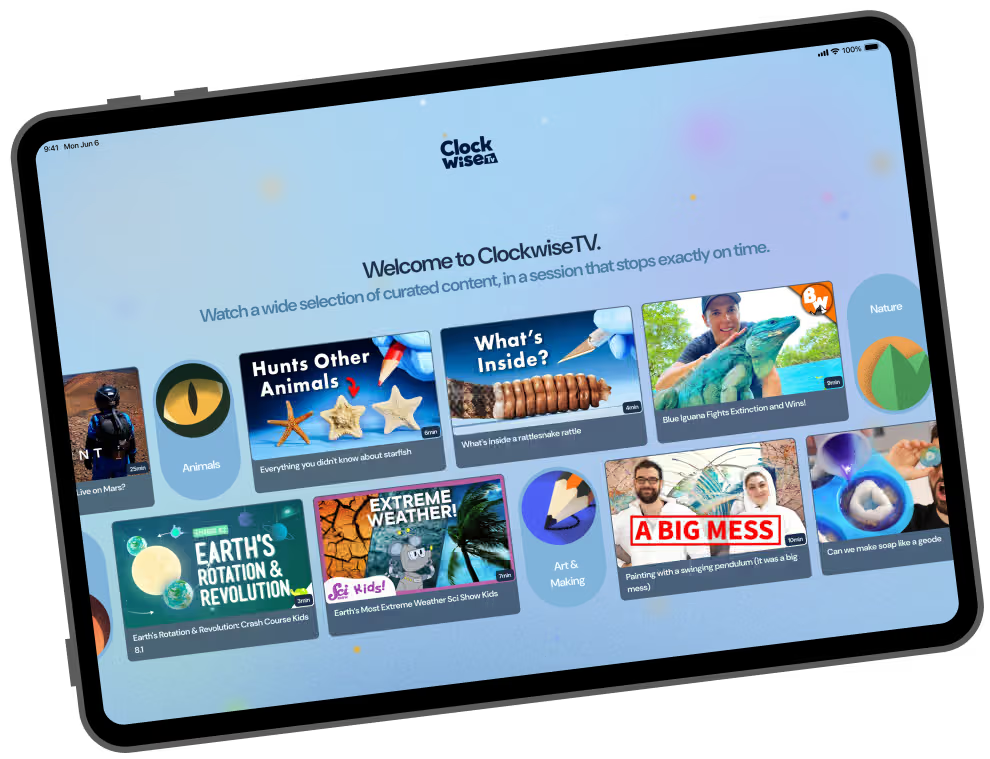
A tablet app for ages 8-12 that surfaces content that fits the time you set. The session ends and so does the screen.

Tablet screen showing Clockwise app with Who's watching? and three colorful profiles named Steve, Tina, and Adam.Tablet screen with a message saying 'That's it for now. Go do something else. that's awesome, Steve.' with starry background.

Most apps are engineered to keep kids watching. We built one to help them stop.

Educational Content

Videos that inspire curiosity, creativity, and a love of learning, from creators kids actually want to watch.

Human-Curated

Every video is reviewed by a real person before it lands on the platform.

Parent-Controlled

Kids and parents choose the session length before they start. ClockwiseTV surfaces content that fits.

No Endless Scrolling

No ads, no autoplay, no rabbit holes.

How It Works

Three steps. Then the screen knows when to stop.

Step 1

Set the session

You and your child choose how much time they have available.

Digital clock displaying session ends at 4:30 with PM option highlighted.
Step 2

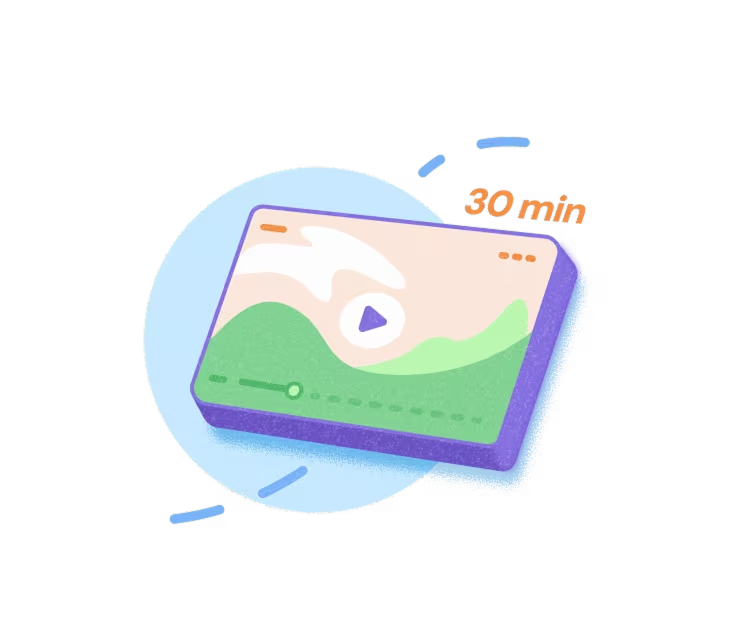
We show what fits

ClockwiseTV surfaces content that fits within the remaining time limit.

Illustration of a video player screen with landscape image and 30 min duration label.
Step 3

Time's up, screen's off

The session ends and so does the screen.

Three bowls of soup with a speech bubble saying 'Dinner's ready!' above the front purple bowl.